

Beyond the airwaves
Join us
Meet us in the Second Life metaverse.
Afro-Caribbean rhythms. A shared virtual experience.

Africa · Caribbean · Music
Afro-Caribbean rhythms.
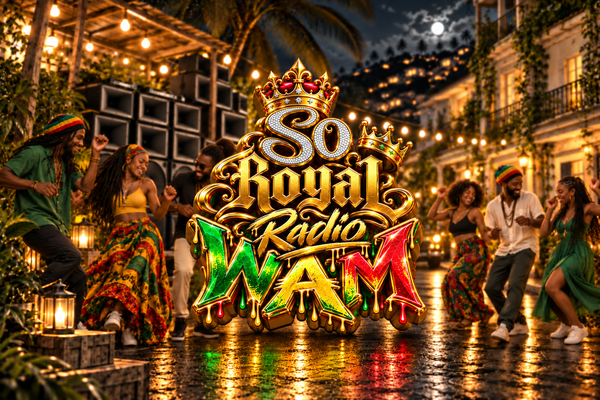
WAM So Royal Radio brings you the sounds of Africa and the Caribbean: afrobeats, zouk, kompa, dancehall, soca and reggae.
Listen to the radioOn AirMusic selection
Up NextSchedule to be announced
Studio NotesThe sounds of Africa and the Caribbean, on one frequency.
The radio
Music. Stories. Culture.
A meeting point for music, stories and culture from Africa, the Caribbean and their diasporas. Discover independent voices, explore new sounds and stay on the royal frequency.
Discover the radioOn the frequencyOne radio.
One radio.
All our rhythms.
Afrobeats, zouk, kompa, dancehall and reggae. Your Afro-Caribbean soundtrack.
The player at the bottom of the page stays with you while you browse.
Video and playlists
Music videos
Music videos, live sessions and artists from Africa and the Caribbean.
Videos coming soon
Our selection of Afro-Caribbean music videos and live sessions is coming soon.
New from So Royal Media
News
YOUR RADIO, WHEREVER YOU GO
Extension WAM Radio
Enjoy Afro-Caribbean rhythms in a dedicated player while you browse.
- Keep listening after closing the panel
- Live track titles when supplied by the station
- Music visualization when the stream supports audio analysis
Keep WAM So Royal Radio one click away while browsing. Open the player, start the live stream and adjust the volume.
Standard installation on Chrome and Edge will become available after publication in their stores. Your browser will ask for confirmation; this page never installs anything automatically.
Download the trial version · ZIPHow do I install the trial version?
Manual desktop version. Web playback has been verified; extension installation still needs validation.
- Download the ZIP and extract it into a folder you will keep.
- In Chrome, enter
chrome://extensionsin the address bar. In Edge:edge://extensions. - Enable Developer mode, then choose Load unpacked.
- Select the folder WAM-Radio which contains
manifest.json. - Pin WAM So Royal Radio, open its icon and click Listen.
Chrome 116 or newer. Other Chromium browsers still need compatibility checks. Updates are manual. The website link currently points to localhost.
Download the installation guidePrefer listening without installing anything? Use the Open the radio player button above.